
How to Connect Home Service Marketing With Field Operations
Home service marketing brings in leads and appointments. Field operations turn those appointments into completed jobs and revenue.
HighLevel and FieldTask connect these two sides of the business. HighLevel manages the customer journey, while FieldTask manages the work completed in the field.
This connected setup can help HVAC, plumbing, electrical, cleaning, landscaping, roofing, pest control, property maintenance companies, and more. It reduces manual work and keeps customer information consistent from the first inquiry to the final follow-up.
What Is FieldTask?
FieldTask is a field service management app built for the HighLevel. It helps home service businesses manage technicians, work orders, schedules, routes, job progress, and completion records all inside GHL.
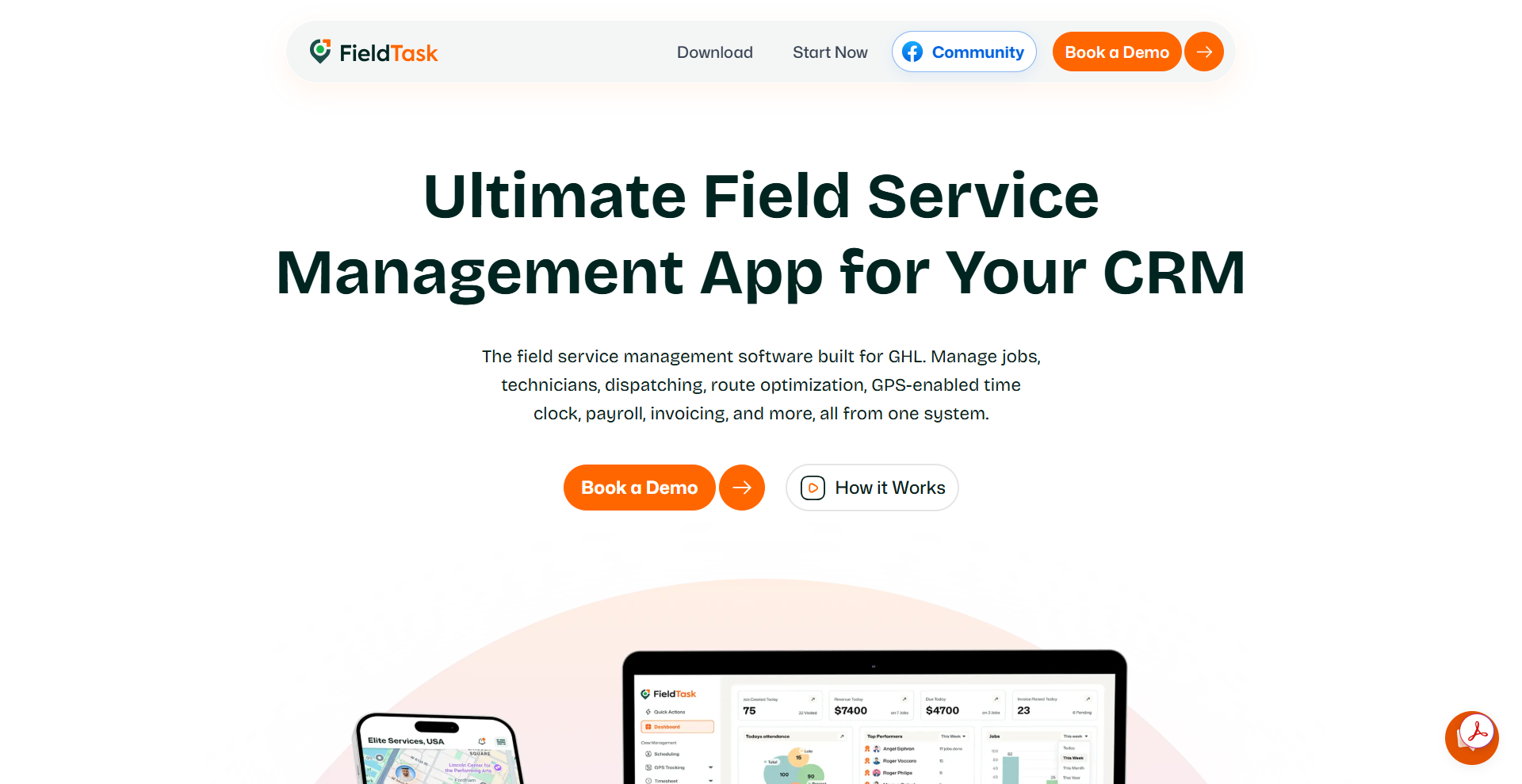
FieldTask focuses on service delivery. Office teams use it to organize field jobs, while technicians use its mobile app to manage assigned work.
FieldTask makes the most sense for a business that already uses HighLevel.
It fills the operational gaps that a general CRM does not always cover. You can view upcoming features and planned updates on the FieldTask Road Map.
Its main features include:
- Scheduling
- Dispatching
- Route Planning and Optimization
- Geofenced and GPS Tracking
- Job status tracking
- Job-site photos
- Customer Communication
- Customer Job History
- On my way text
- Sharing of Job site photos
- Proximity-Based Auto Job Assignment
- Estimates and invoices
- Mobile access for iOS and Android
FieldTask makes the most sense for a business that already uses HighLevel. It fills the operational gaps that a general CRM does not always cover.
What Is GoHighLevel?
GoHighLevel, commonly called HighLevel, is a CRM and marketing platform. It helps businesses capture leads, manage customer records, book appointments, send messages, and run automated campaigns.
HighLevel focuses on sales and customer communication. It gives marketing and office teams one place to manage the customer relationship.
Common HighLevel features include:
- Website forms and landing pages
- Contact management
- Sales pipelines
- Online appointment calendars
- Email and SMS marketing
- Workflow automation
- Estimates and invoices
- Payment tools
- Customer conversations
- Review requests
- Follow-up campaigns
A plumbing company might use HighLevel to collect a lead from a website form. It can then send an automatic reply, book an inspection, and remind the customer about the appointment.
However, HighLevel does not focus only on field service management. FieldTask adds the technician and job management tools needed after the appointment gets booked.
How Do FieldTask and HighLevel Work Together?
HighLevel and FieldTask divide the customer journey into two connected areas. HighLevel handles marketing, sales, appointments, and customer communication, while FieldTask handles field service delivery.
The connection follows a simple path:
- HighLevel captures the lead.
- The business qualifies the customer.
- HighLevel books the appointment.
- FieldTask creates the field job.
- A dispatcher assigns a technician.
- The technician completes the work.
- The completed job moves to invoicing.
- HighLevel runs the right follow-up campaign.
This workflow keeps customer and job information linked. Staff does not need to build separate records at every stage.
Step 1: Capture the Lead in HighLevel
HighLevel starts the workflow by collecting the potential customer’s information. The lead may come from a website form, landing page, phone call, social media ad, chat, or manual entry.
The lead record should include enough information to support the next steps. Basic contact details alone may not help the dispatcher or technician.
A useful home service lead form can collect:
- Customer name
- Phone number
- Email address
- Service address
- Requested service
- Short problem description
- Preferred appointment time
- Property type
- Level of urgency
- Lead source
- Permission to receive messages
An HVAC company should ask whether the customer needs maintenance, repair, or installation. A plumbing company may ask whether the issue involves a leak, blockage, or water heater.
Clear information helps the office qualify the request faster. It also gives the field team better context later.
Step 2: Qualify the Lead
HighLevel can place the new lead into a sales pipeline. The office team can then confirm the service area, customer need, job urgency, and expected scope.
A simple pipeline might use these stages:
- New Lead
- Contacted
- Qualified
- Estimate Sent
- Appointment Booked
- Won
- Lost
Simple stages make the pipeline easier to manage. Too many similar stages often confuse staff and weaken reporting.
HighLevel workflows can send an immediate email or text after a new inquiry. This message can confirm that the request arrived and explain when the customer should expect a response.
The business should qualify the lead before sending it to FieldTask. This step prevents unsuitable or incomplete requests from filling the field schedule.
Step 3: Book the Appointment in HighLevel
HighLevel calendars let customers book appointments online. Office staff can also create an appointment during a phone call.
The appointment record should include:
- Service type
- Appointment date
- Arrival window
- Service address
- Customer contact information
- Access instructions
- Preparation requirements
HighLevel can trigger automatic messages after the booking. For example, the customer may receive an immediate confirmation, a reminder one day before the visit, and another reminder shortly before arrival.
These reminders can reduce missed appointments. They also give customers time to correct an address or request a new date.
Messages should set realistic expectations. A service window often works better than an exact arrival time because traffic and earlier jobs can cause delays.
Step 4: Create the Field Job in FieldTask
The appointment represents the customer’s booking. The FieldTask job turns that booking into work for a technician.
Relevant information from HighLevel can support the FieldTask work order. This may include the customer, address, appointment time, requested service, estimate, and special instructions.
The office can add operational details such as:
- Assigned technician
- Required skills
- Expected job duration
- Tools or materials
- Safety notes
- Service checklist
- Approved price
- Required completion photos
The technician can view this information through the FieldTask mobile app. A complete work order reduces phone calls and prevents important details from getting lost in text messages.
The business should avoid copying information by hand where the connection can carry it. Manual entry creates more chances for wrong addresses, missing notes, and duplicate customer records.
Step 5: Schedule and Dispatch the Technician
FieldTask helps the dispatcher assign each field job to a technician or crew. The dispatcher can consider availability, location, skills, workload, and route.
Good dispatching involves more than finding the closest worker. The technician must also have the right experience, equipment, and time.
For example, an electrical company may have one technician who handles simple residential repairs and another who works on complex panel upgrades. Sending the wrong worker can lead to a second visit.
FieldTask can help managers:
- Review technician schedules
- Assign new jobs
- Change assignments
- Track field locations
- Review travel routes
- Monitor job progress
- Respond to urgent requests
The mobile app gives technicians access to their assignments. Workers can check the customer’s address, job notes, and appointment details before traveling.
Step 6: Keep the Customer Updated
HighLevel handles customer communication before and during the appointment. FieldTask provides the field information that helps the office send accurate updates.
A useful communication sequence may include:
- Booking confirmation
- Appointment reminder
- Technician dispatch notice
- Arrival update
- Delay notice
- Job completion message
- Invoice notification
The company should connect these messages to real events where possible. It should not tell the customer that a technician is on the way simply because the appointment time has arrived.
FieldTask’s location and job status information can help the office confirm progress. HighLevel can then deliver the customer-facing message.
This connection prevents marketing automation from making promises that field operations cannot meet.
Step 7: Manage the Job in FieldTask
The technician uses FieldTask during the service visit. The worker can record attendance, update the job status, enter notes, and submit evidence.
FieldTask can use geofencing to confirm that the technician is near the job location. Live GPS and route history can also give managers more context about travel and arrival.
A technician may record:
- Arrival time
- Start and completion time
- Work completed
- Parts or materials used
- Before-and-after photos
- Equipment readings
- Customer concerns
- Additional work needed
- Recommended future service
These details create a reliable service history. They also help office staff prepare an accurate invoice and relevant follow-up.
Location tracking requires a clear employee policy. Workers should know when tracking operates, why the business collects the data, and who can access it.
Step 8: Review the Completed Job
A manager should review the FieldTask job before closing it. The review confirms that the technician completed the required work and submitted the necessary records.
The manager can check:
- Job status
- Technician notes
- Time spent on-site
- Completion photos
- Parts used
- Extra services
- Customer concerns
- Follow-up recommendations
This step creates basic quality control. It can catch missing notes or incorrect charges before the customer receives an invoice.
Not every job needs a long approval process. A simple maintenance visit may need a quick review, while a major installation may require detailed checks.
Step 9: Create and Send the Invoice
The completed FieldTask job provides the service information needed for billing. The invoice can include labor, materials, taxes, discounts, and additional work.
A simple billing process looks like this:
- The technician completes the job.
- FieldTask stores the service details.
- A manager reviews the work.
- Staff confirms the final charges.
- The invoice gets created.
- HighLevel sends the invoice or payment link.
- The customer makes the payment.
- The payment status updates the customer record.
This connection reduces repeated typing. It also helps the invoice match the work completed at the property.
Staff should still check every invoice before sending it. Extra parts, changed service terms, discounts, and taxes may require manual review.
Step 10: Start the Right Follow-Up Campaign
HighLevel manages customer follow-up after the field job. The campaign should reflect the job result and payment status.
A generic campaign should not go to every customer. Someone with an unpaid invoice needs a different message from someone who completed and paid for a successful service.
How to Set Up the Workflow
Start with one service instead of connecting every business process at once. A plumbing company could test the system with standard repair calls before adding installations and emergency jobs.
Use this setup process:
- List each stage from lead capture to customer follow-up.
- Decide whether HighLevel or FieldTask controls each stage.
- Standardize contact fields and service names.
- Create clear lead and job statuses.
- Build the appointment workflow in HighLevel.
- Set up the matching FieldTask work order.
- Define technician update requirements.
- Create invoice and payment rules.
- Build service-specific follow-up campaigns.
- Test the full process with a sample customer.
The test should include cancellations, delays, no-shows, incomplete jobs, added charges, unpaid invoices, and successful payments. These situations show whether the connection can handle real home service work.
Final Verdict
HighLevel and FieldTask connect home service marketing with real service delivery. HighLevel captures leads, books appointments, manages invoices, and runs campaigns, while FieldTask schedules technicians, manages field jobs, and records completed work.