AI Image Expansion: How Uncropping Technology Changes Photo Composition
What Is AI Image Expansion, Anyway?
Anyone who’s edited photos for a living has run into this problem at some point: you’ve got a genuinely great shot, but it just doesn’t fit the dimensions you actually need. A portrait’s framed too tight, a landscape needs more width, or the whole thing needs to fit some completely different aspect ratio than what you shot it in. The old-school fix was cropping, stretching, using clone stamp tools, or manually rebuilding the background piece by piece—none of which is exactly fun.
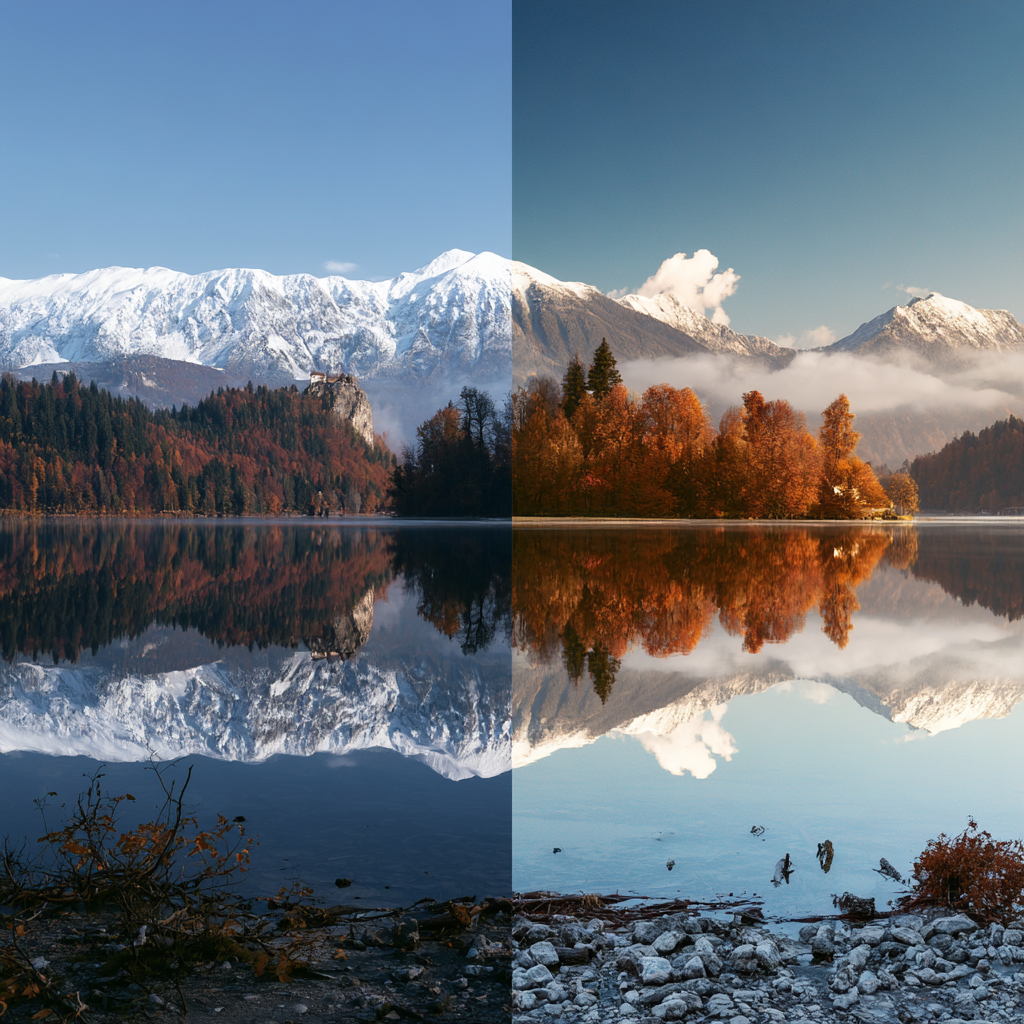
AI image expansion takes a different route entirely. Instead of stretching the pixels you already have, it generates brand-new visual content beyond the photo’s original edges. People usually call this outpainting, or image uncropping. Your original photo stays untouched — the AI’s job is just to figure out what could plausibly exist just outside the frame you already captured.
Say you’ve got a photo of someone standing in front of a plain outdoor background — an AI system might extend the sky, the landscape, or the ground to widen out the whole composition. It’s worth being clear about what’s actually happening here, though: this isn’t recovering hidden pixels that were somehow there all along. It generates new, believable content that blends seamlessly with what’s already there.
So How Does Uncropping Actually Work?
Generally, a few stages are involved. First, the system looks at the photo you’ve uploaded—colors, textures, lighting, perspective, and any visible objects — and figures out what content could realistically continue past the existing edges.
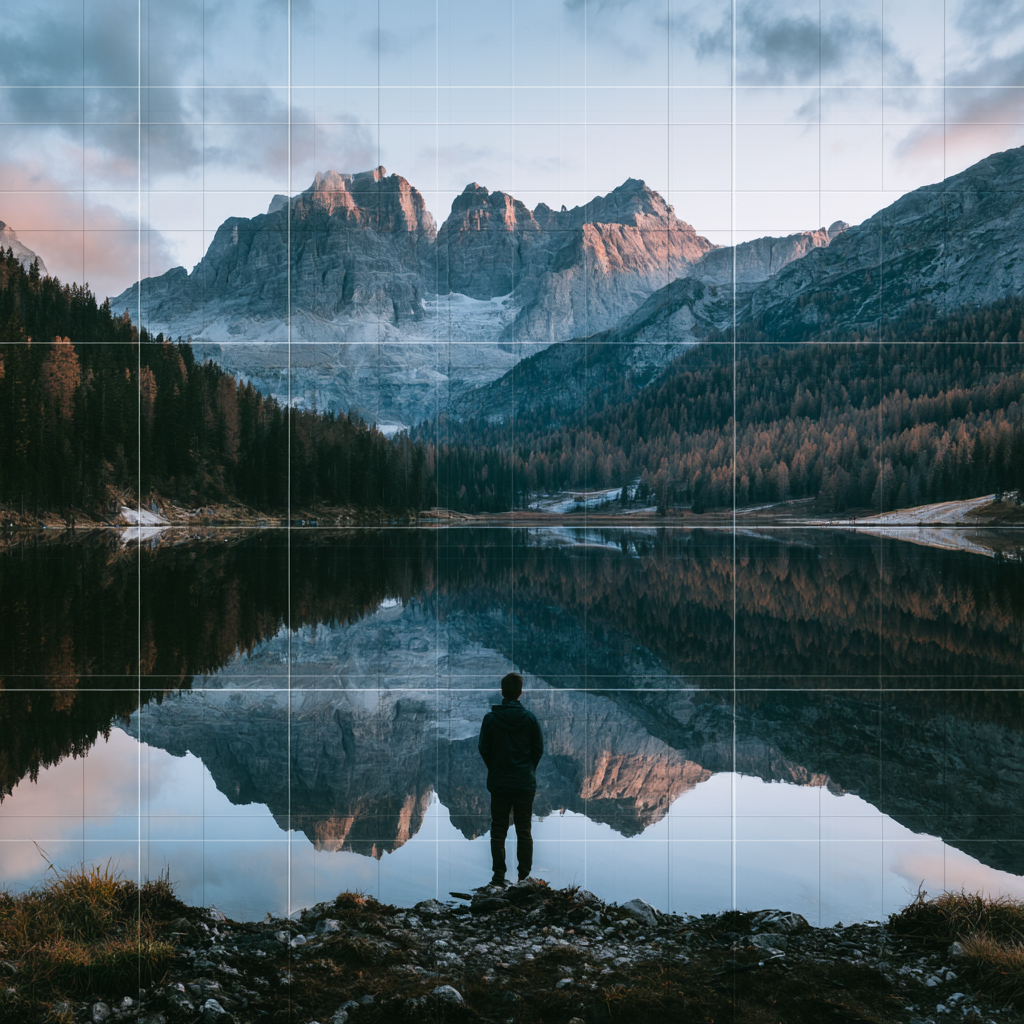
When someone wants to uncrop image content, the tool builds out entirely new areas around the frame rather than just stretching what’s already there. That distinction actually matters a lot — regular resizing just manipulates the pixels you already captured, while generative expansion is creating information that wasn’t in the original file at all.
Modern models tend to do well with broad, predictable environments — think blue sky, a plain wall, a sandy beach, a grass field, or a soft blurred background. These are relatively easy because they follow fairly simple visual patterns. Things get trickier with anything more complex — faces, hands, signage, architectural detail, repeating patterns. Those need a lot more precision to get right.
Uncropping vs. Just Resizing
These two can look similar on the surface, but they solve different problems.
Resizing just changes the overall dimensions while keeping the existing content intact. If you’re enlarging a photo, the software’s essentially guessing at extra pixels based on what’s already there. That can help with usability, sure, but it doesn’t add any new scenery to the shot.
Uncropping does something different — it expands the canvas beyond the original borders, and the AI fills that new space with generated content. That makes it genuinely useful when your original composition is too tight, or you need a completely different aspect ratio than what you started with.
Think about converting a square photo into a landscape format the old way — regular cropping would probably cut off part of your subject. AI expansion sidesteps that by adding space on either side, so the subject stays fully in frame.
Where People Actually Use This
Fitting Different Aspect Ratios
Every platform seems to want its own dimensions these days — square posts, vertical stories, wide banners, presentation slides, you name it. Instead of cropping the same photo five different ways and losing bits each time, AI expansion adds background space to fit whatever format you need.
This has become a genuine time-saver for content creators reusing the same photos across a bunch of different layouts.
Fixing Awkward Portrait Framing
Portraits get shot with tight margins more often than people realize — shoulders cut off, barely any headroom, the subject shoved too close to one edge of the frame.
AI expansion can pull that composition back and give it some breathing room. That said, double-check anything generated near the face or body — those areas need more precision, and mistakes there stand out fast.
Getting Images Ready for Print
Print work almost always demands different dimensions than whatever the photo was originally shot for. Something that looks great on a screen might not translate cleanly to a poster, brochure, or book cover.
Instead of cropping aggressively and losing important parts of the shot, expansion adds background space and makes it much easier to reposition elements for print.
Making Room for Text
Designers regularly need clean, empty space in a photo for headlines, captions, or other overlaid elements. Expanding the background is a decent way to create that negative space without slapping text right over the subject’s face.
For example, you could extend a portrait to one side to leave room for a title while keeping the person’s face completely unobstructed.
Why the Background Actually Matters So Much
AI uncropping doesn’t perform the same across every image—that’s just the reality. Simple backgrounds are much easier for these systems to extend convincingly. A clear sky, a plain wall, water, a soft-focus background — all of that gives the model pretty consistent, predictable visual information to work with.
Busier backgrounds are where things get harder. Brick walls, fences, windows, text, geometric patterns, crowded scenes — all of these have relationships and structures that need to stay consistent throughout the newly generated area, and that’s genuinely tough to pull off perfectly.
People in the photo need extra scrutiny too. Even a small slip-up in a hand, a finger, a facial feature, a clothing pattern, or body proportions can jump out immediately, even if the rest of the background looks completely convincing.
A Few Tips for Getting Better Results
The quality of your final expanded image partly depends on how good your starting photo is. A clear, well-lit source gives the AI a lot more to work with in terms of lighting, perspective, and environmental context.
It also helps to expand gradually instead of asking for a massive canvas extension in one shot. Smaller expansions give the model more context and tend to come out more coherent.
Definitely check the edges carefully once it’s generated. Watch for repeated objects, weird shadows, misaligned perspective, odd textures, or anything that looks distorted. AI-generated content can look totally convincing at a glance while still hiding small inconsistencies if you look closer.
And it’s worth remembering — an expanded image is an edited or generated visual, not a recovery of information that was actually captured in the original shot. The AI’s creating a plausible continuation based on patterns it recognizes, not revealing photographic data that was somehow there all along and just hidden.
Where This Is All Heading
AI image expansion fits into a bigger shift toward generative editing, where you combine traditional editing tools with AI to reshape a photo. Instead of manually rebuilding every element, creators can describe or select the change they want and let the model generate the rest.
As this tech keeps improving, photo editing will probably lean more into composition and creative decisions, and less into repetitive technical fixes. Uncropping is honestly a pretty good example of that shift already happening — you can rethink a photo’s framing well after you’ve taken it, adapting it to whatever creative or publishing need comes up later.
Still, it works best as an editing aid, not some guarantee of photographic accuracy. Picking a good source image, expanding sensibly, and actually reviewing the results by eye all still matter if you want something that genuinely looks believable.